Setting the Video Quality in Iframe
When Dynamic Resolution is enabled, the stream resolution automatically adjusts to match the iFrame’s width and height.
While this ensures responsive behavior across devices, it may reduce perceived visual quality on mobile devices because:
Mobile screens are physically smaller
The iFrame dimensions are smaller
The resulting stream resolution is reduced accordingly
If consistent visual quality is required across devices, this behavior can be overridden.
This guide explains the available resolution modes and the recommended approaches for maintaining consistent video quality.
Resolution Modes
To configure resolution settings, follow the resolution setup guide in the Control Panel.
You will find two available resolution options:
Dynamic Resolution
Custom Resolution
Dynamic Resolution
Dynamic Resolution automatically:
Matches the iFrame size
Adapts to desktop, tablet, and mobile screens
Optimizes bandwidth usage
Limitation
On mobile devices, smaller viewport size results in lower stream resolution, which may reduce image clarity.
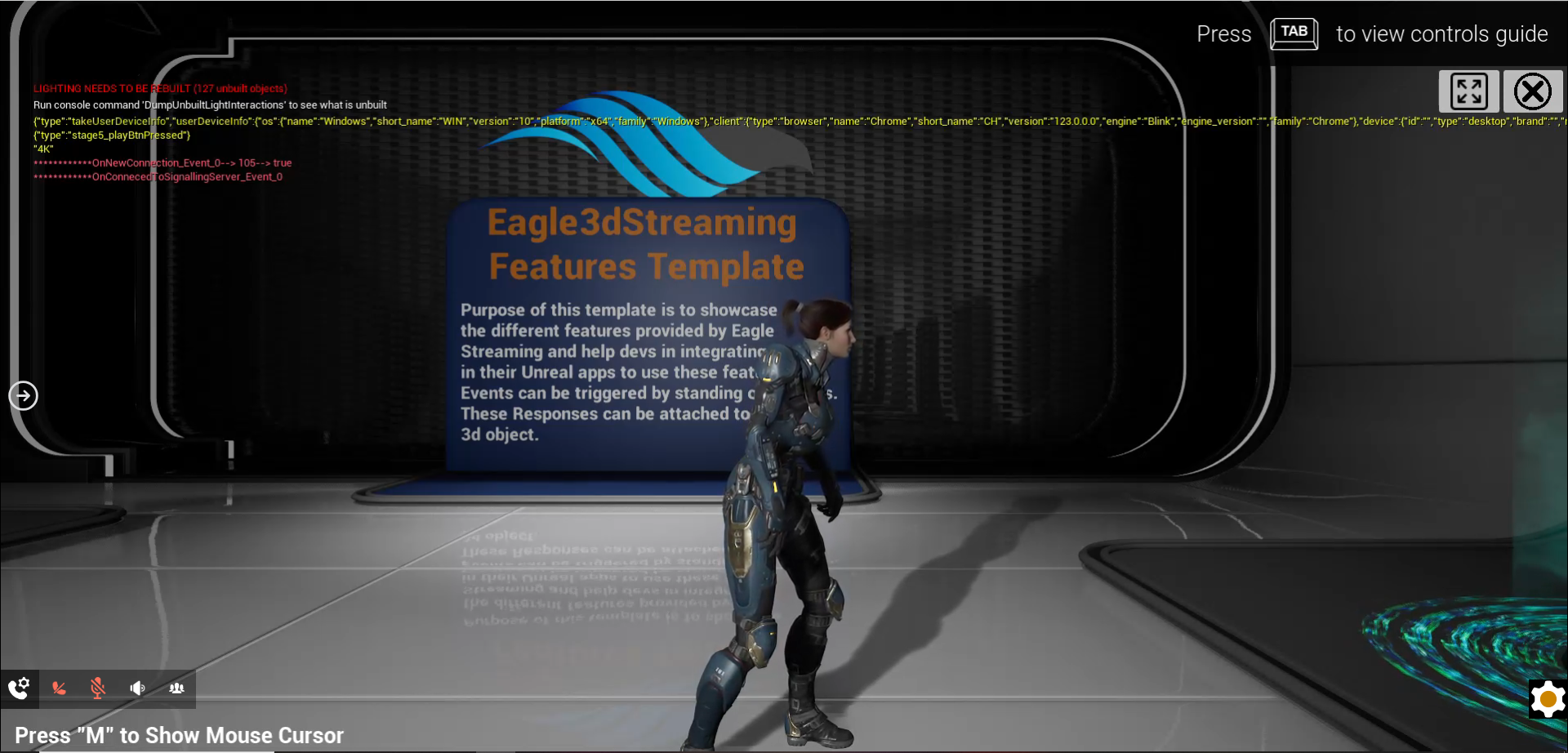
Image 1. App resolution adjusted to Laptop screen

Image 2. App resolution adjusted to Mobile screen
When Should You Override Dynamic Resolution?
You should consider overriding Dynamic Resolution if:
Your application requires consistent visual sharpness across devices
Mobile users report reduced image clarity
Branding or visual fidelity is a priority
Two Recommended Approaches
Option 1. Set Custom Resolution in Control Panel
Follow this doc to set custom resolution. This ensures consistent visual quality across both desktop and mobile devices.
Option 2. Freeze Resolution from the Front End
You can programmatically override resolution from the parent page using:
let obj = {
    cmd: "freezeResolutionAt",
    x: 1920,
    y: 1080
}

document.getElementById("iframe_1")
    .contentWindow
    .postMessage(JSON.stringify(obj), "*");
This forces the stream to render at the specified resolution regardless of iFrame size.
Need help?
🛠️ Contact our Support Team
💬 Join the Community on Discord
Follow us on:
Facebook | GitHub | LinkedIn | YouTube