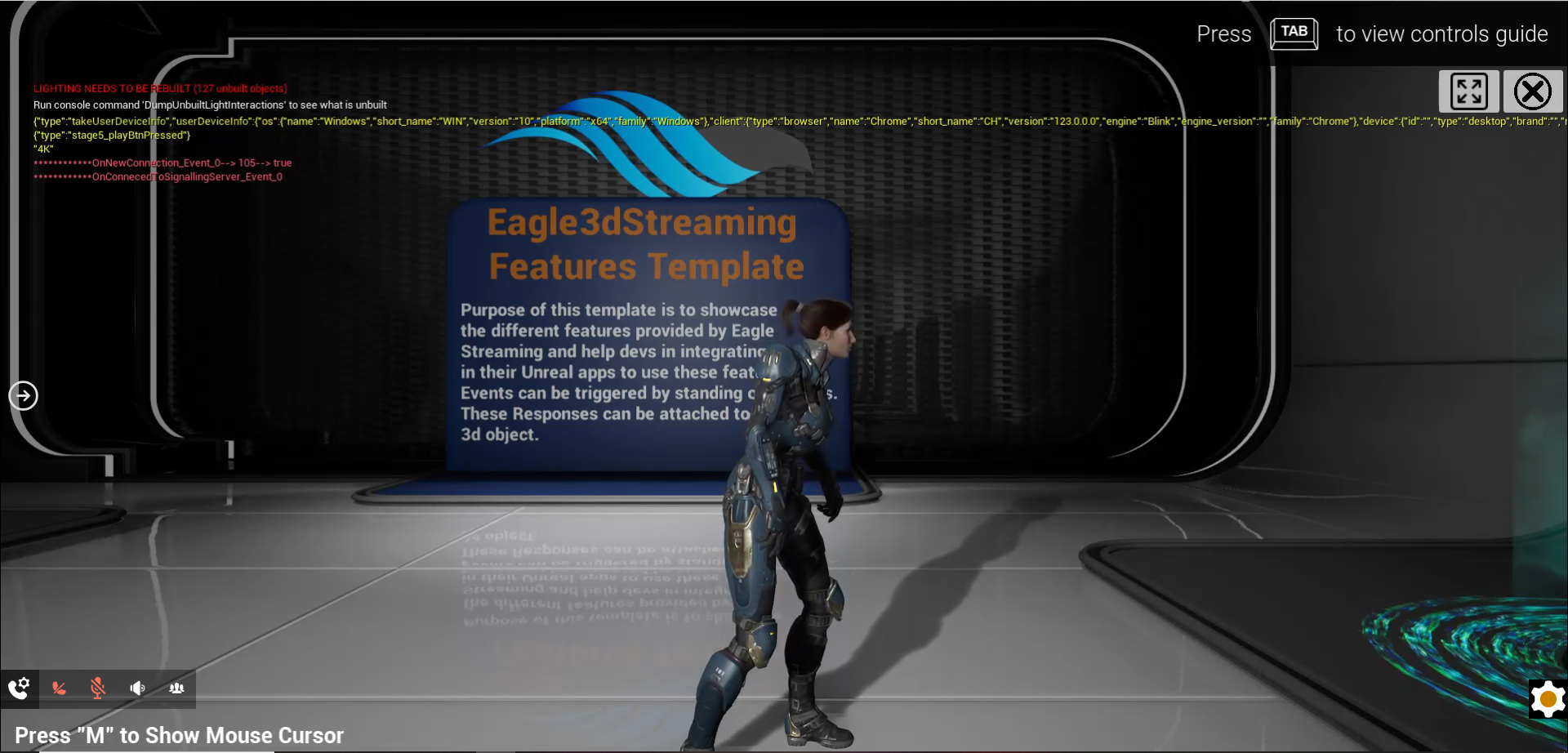
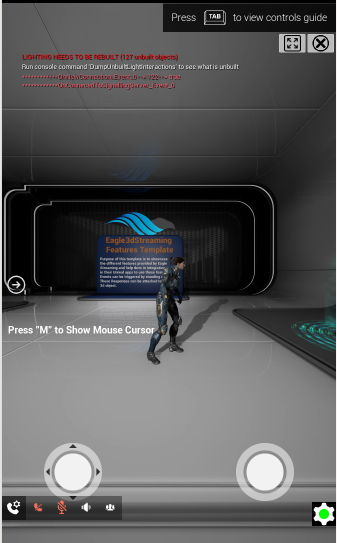
When Dynamic Resolution is enabled, the stream resolution automatically adjusts to match the iFrame’s width and height.
While this ensures responsive behavior across devices, it may reduce perceived visual quality on mobile devices because:
-
Mobile screens are physically smaller
-
The iFrame dimensions are smaller
-
The resulting stream resolution is reduced accordingly
If consistent visual quality is required across devices, this behavior can be overridden.
This guide explains the available resolution modes and the recommended approaches for maintaining consistent video quality.
Resolution Modes
To configure resolution settings, follow the resolution setup guide in the Control Panel.
You will find two available resolution options:
-
Dynamic Resolution
-
Custom Resolution
Dynamic Resolution
Dynamic Resolution automatically:
-
Matches the iFrame size
-
Adapts to desktop, tablet, and mobile screens
-
Optimizes bandwidth usage
Limitation
On mobile devices, smaller viewport size results in lower stream resolution, which may reduce image clarity.
When Should You Override Dynamic Resolution?
You should consider overriding Dynamic Resolution if:
-
Your application requires consistent visual sharpness across devices
-
Mobile users report reduced image clarity
-
Branding or visual fidelity is a priority
Two Recommended Approaches
Option 1. Set Custom Resolution in Control Panel
Follow this doc to set custom resolution. This ensures consistent visual quality across both desktop and mobile devices.
Option 2. Freeze Resolution from the Front End
You can programmatically override resolution from the parent page using:
let obj = {
    cmd: "freezeResolutionAt",
    x: 1920,
    y: 1080
}

document.getElementById("iframe_1")
    .contentWindow
    .postMessage(JSON.stringify(obj), "*");
This forces the stream to render at the specified resolution regardless of iFrame size.
Need help?
If you need any assistance, feel free to reach out through any of the following channels:
🛠️ Support Portal: Contact Our Support Team
💬 Discord Community (Faster Support): Join Our Discord Community
📧 Email Support: support@eagle3dstreaming.com
Follow us on: