This guide explains how to share your streaming session with team members, colleagues, classmates, or clients. Using the Guest URL, others can join your session in view-only mode without controlling the application.
Overview
The Guest URL allows multiple users to:
-
View your live streaming session in real time
-
Follow your interactions and workflow
-
Join instantly via browser without setup
Note: Guest users cannot control the stream — only the host retains control.
Step-by-Step Guide:
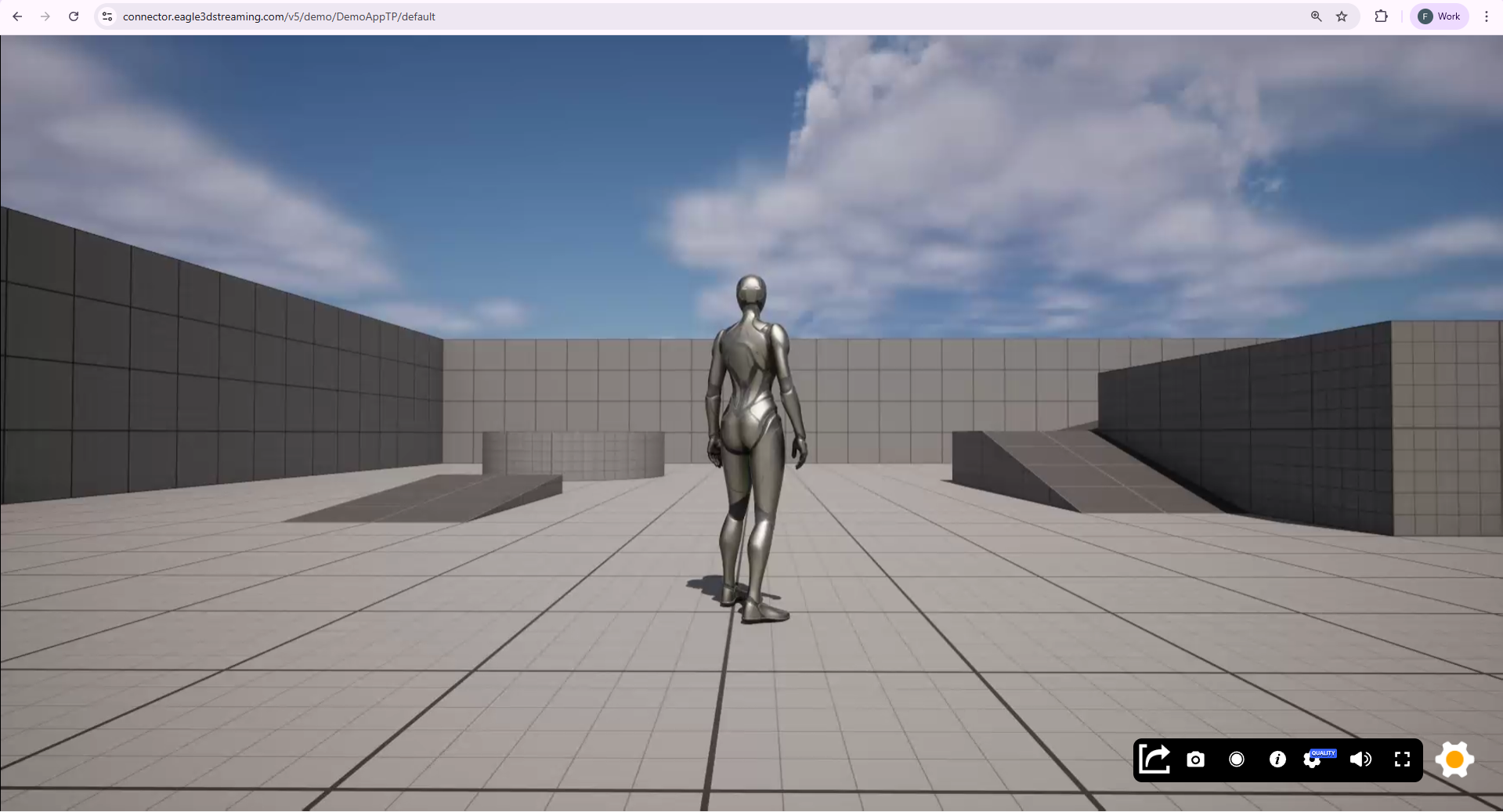
Step 1. Access the Streaming URL
Open your application using the main streaming URL.
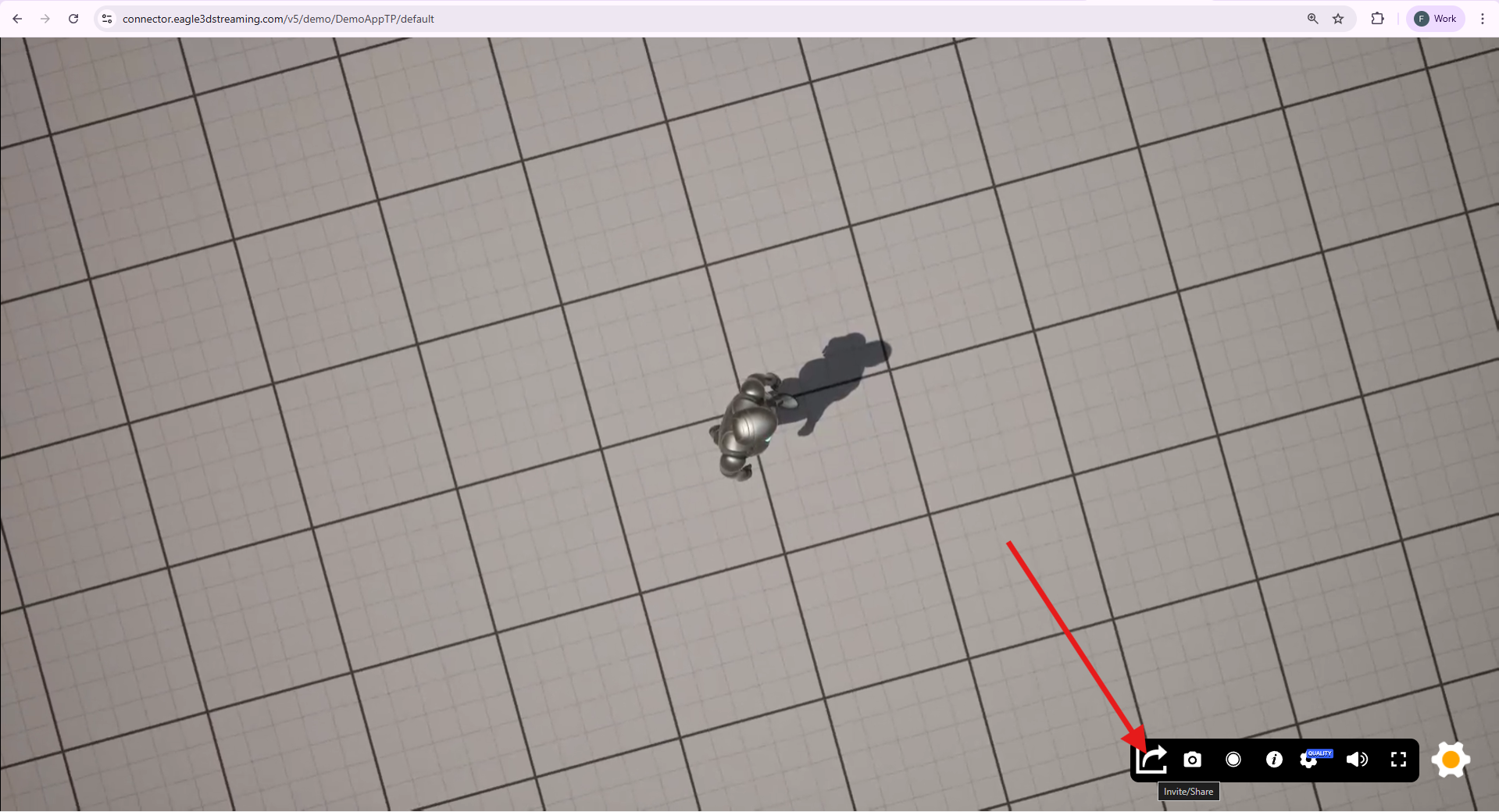
Step 2. Click the Share Button
Locate and click the Share button in the streaming interface.
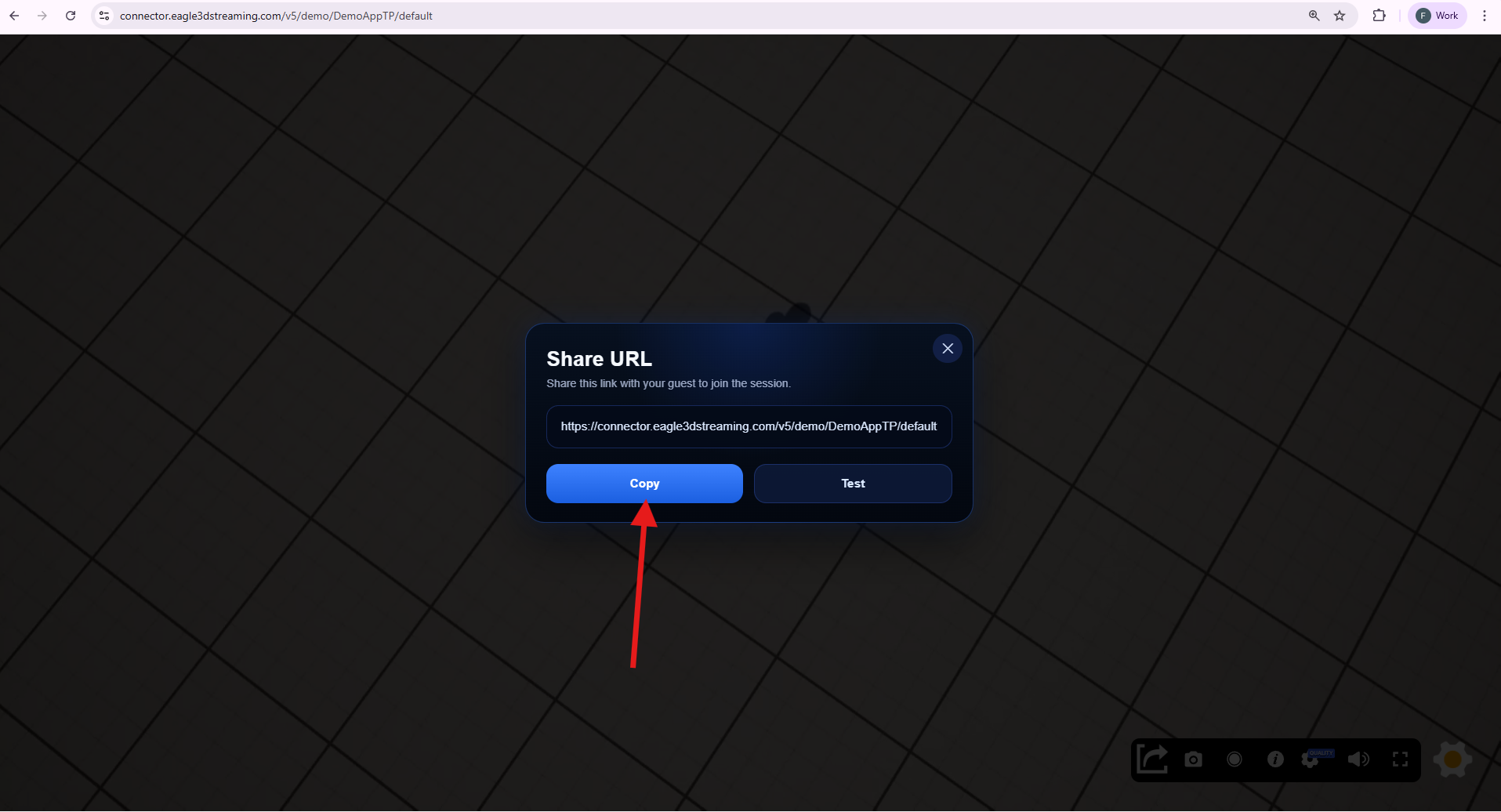
Step 3. Copy and Share the Guest URL
Copy the generated Guest URL and share it with your intended audience.
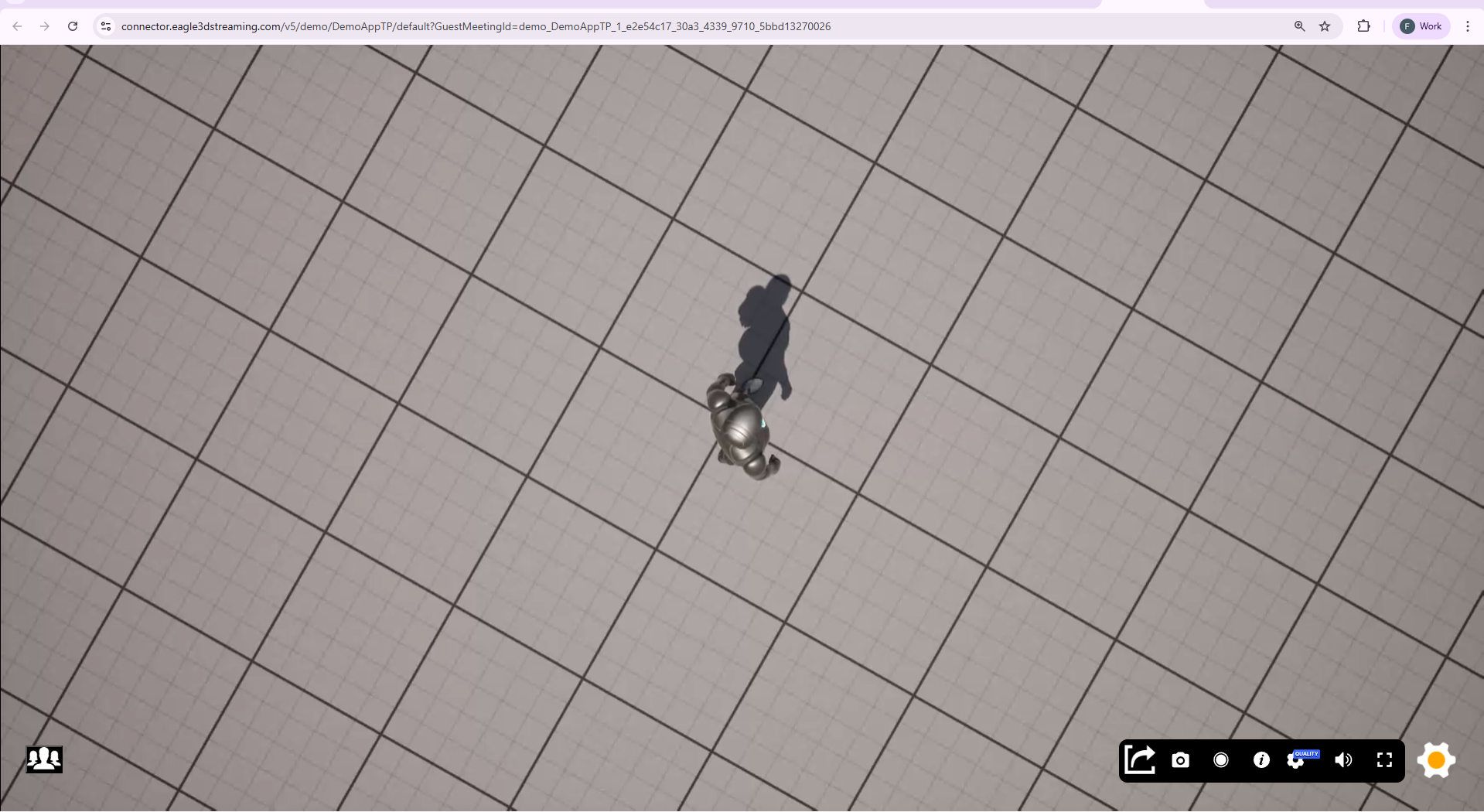
When a guest opens the link:
-
Your original streaming session acts as the host session
-
Guests can only view the session
-
Guests cannot interact or control the application
Real-World Use Cases
This feature is ideal for:
-
Education & Training
Instructors can demonstrate workflows while students observe in real time -
Team Collaboration
Share live progress with team members without giving control access -
Real Estate Demos
Showcase property walkthroughs to multiple clients simultaneously -
Product Demonstrations
Present applications or prototypes to stakeholders
Step 4. Test the Guest URL
Click the Test button to verify the Guest URL.
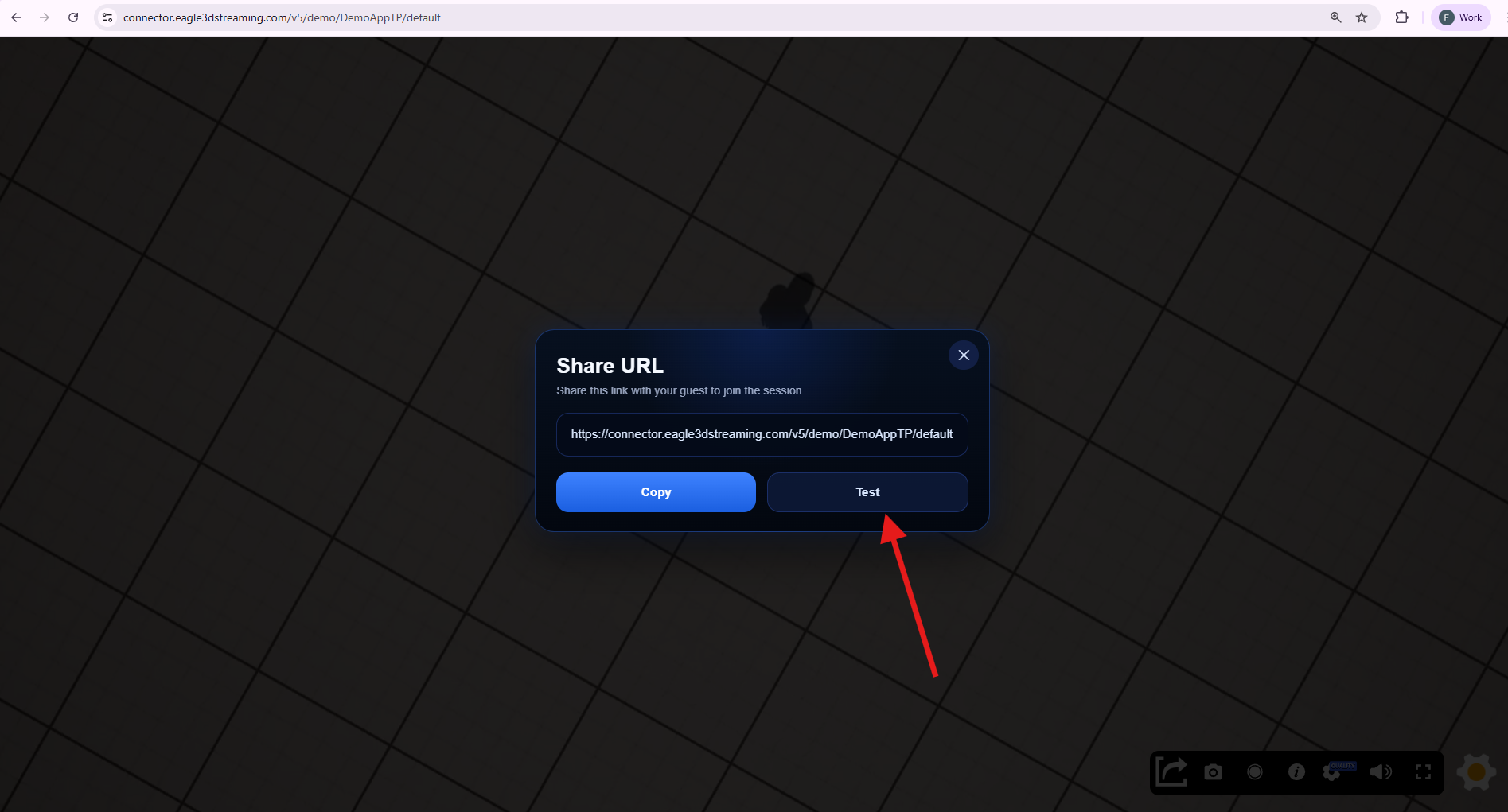
This will open a new browser tab displaying the guest view.
Step 5. Session Behavior
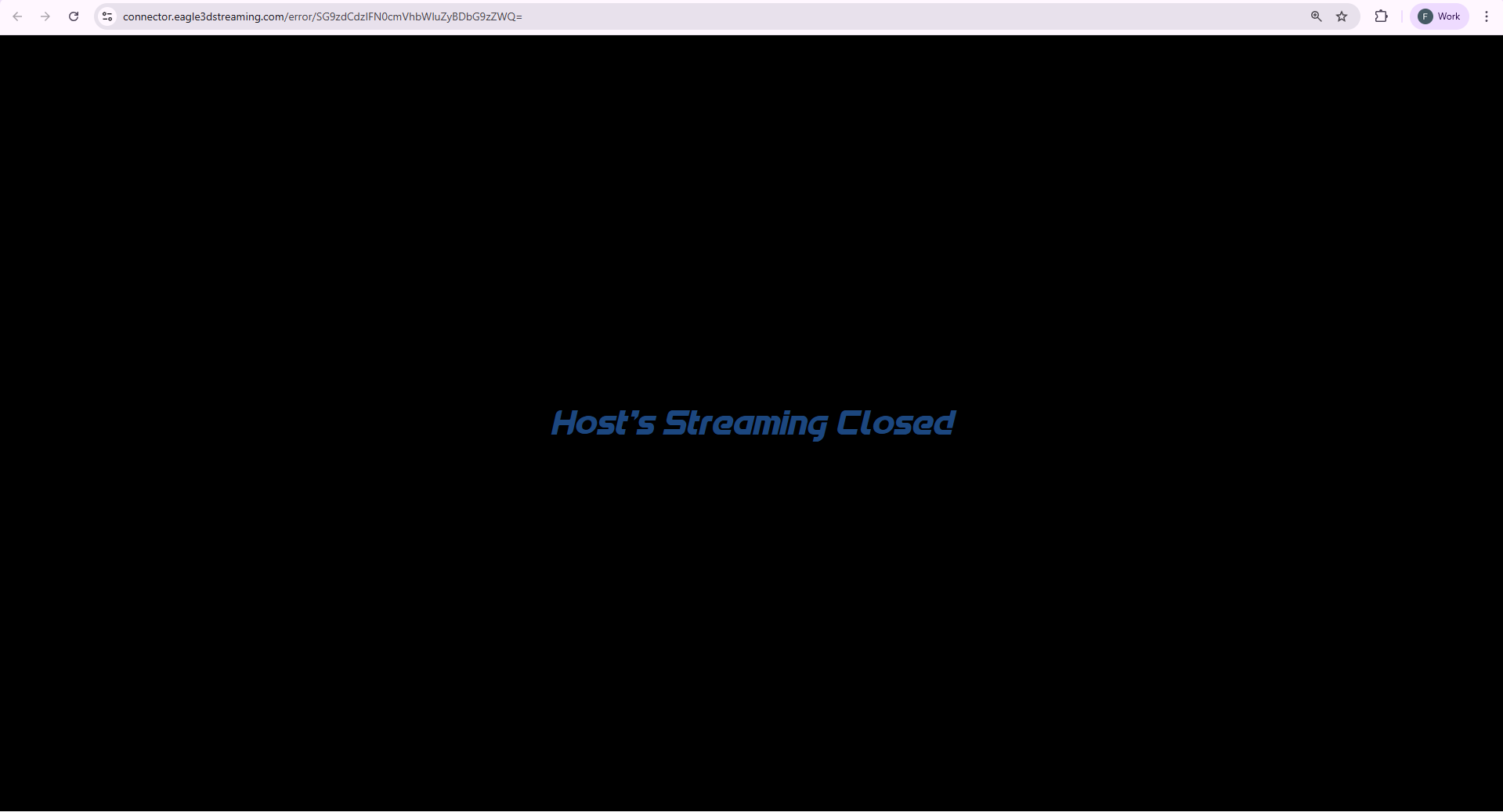
If the host closes the main streaming session:
-
All connected guest sessions will automatically end
Important Notes
-
Guest access is view-only
-
Host controls the entire session
-
Guest sessions are dependent on the host session
Need help?
If you need any assistance, feel free to reach out through any of the following channels:
🛠️ Support Portal: Contact Our Support Team
💬 Discord Community (Faster Support): Join Our Discord Community
📧 Email Support: support@eagle3dstreaming.com
Follow us on: