Create your account
Welcome! Creating your Eagle 3D Streaming account is free and takes about two minutes. Already have an account? Skip ahead to Stream a sample app.
Before you begin
- Have your email open: a one-time code is sent to it while you sign up.
-
Open the sign-up page
Go to controlpanel.eagle3dstreaming.com/signup. Accounts are free to create. A new account starts on a free trial; nothing is charged until you choose a plan. Sign up with Google is on the same page if you prefer it to an email and password.
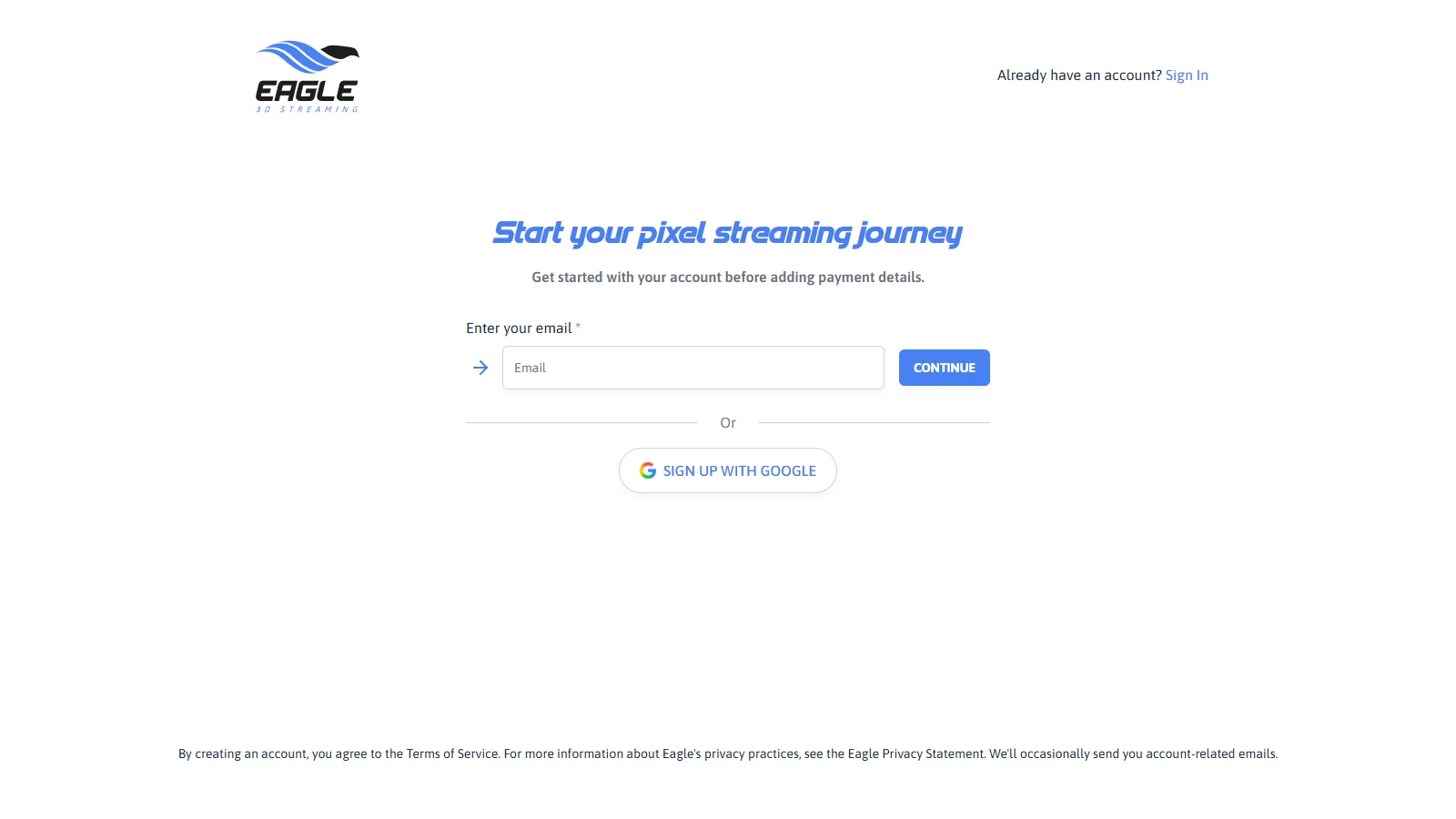
The sign-up page. -
Enter your email address
Type the address and press Continue. Use an address you can open now — the code in step 4 goes to it.
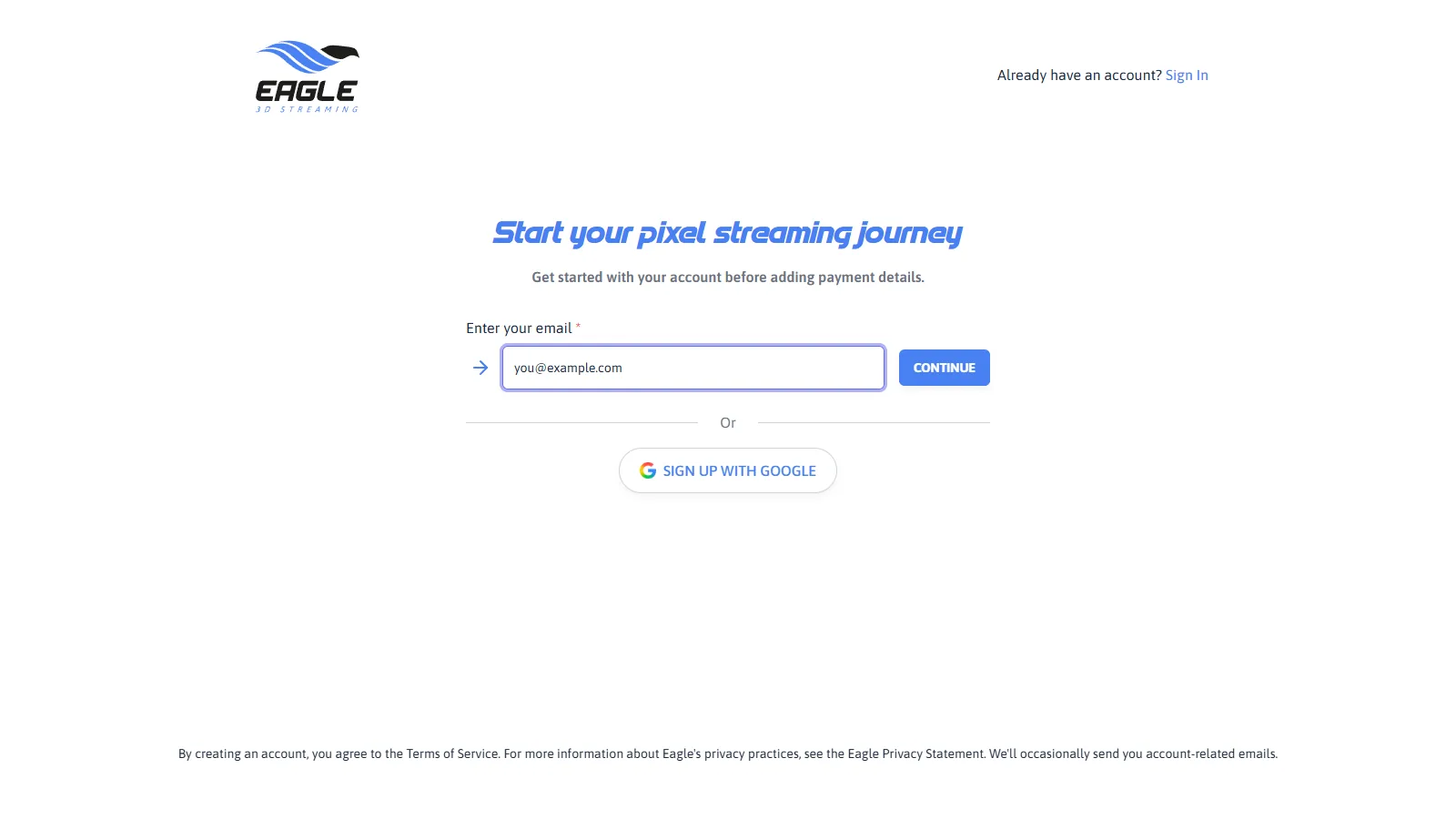
Entering your email address. -
Choose a password
Enter a password and press Continue.
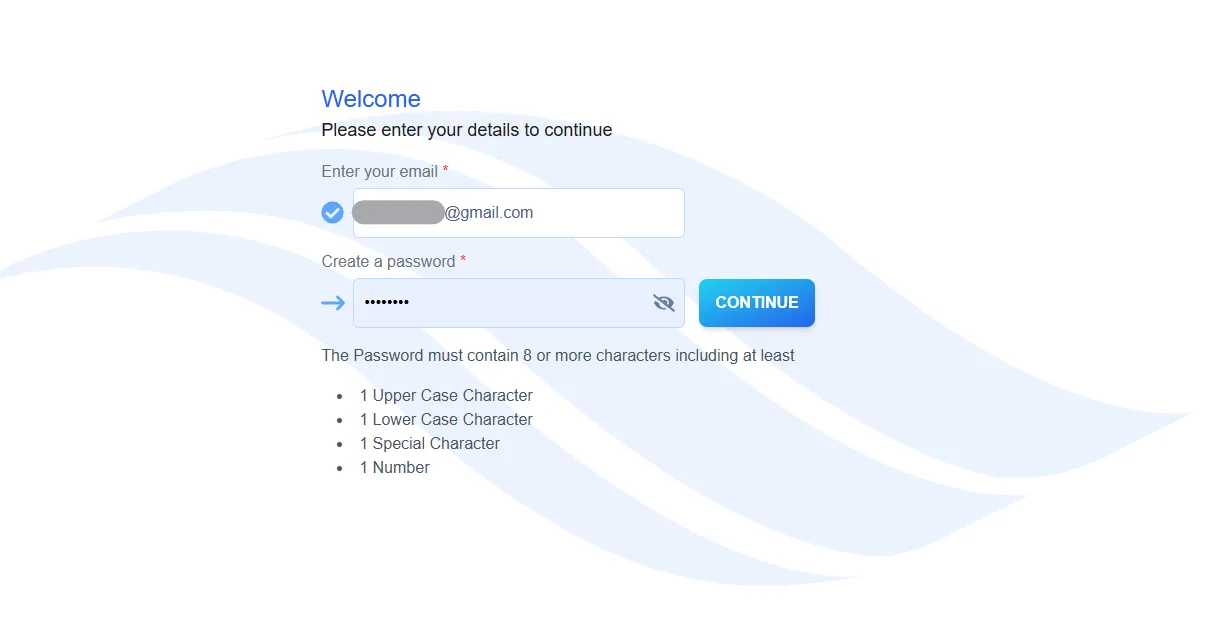
Choosing a password. -
Enter the code from your email
A 6-digit code is sent to the address from step 2. Type it into Enter OTP. If it has not arrived after a minute, check your spam folder before pressing RESEND.
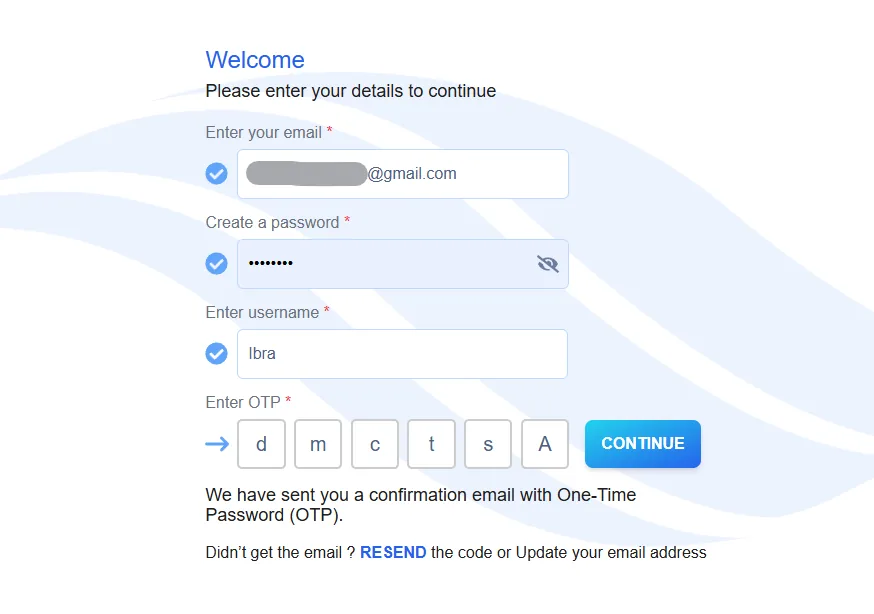
Entering the one-time code. -
Finish your profile
A last page asks for your username, your phone number and where you heard about Eagle 3D Streaming.
- Username: 3 to 30 characters; letters, digits and
-_!only. It becomes part of the address of every app you publish, so anyone you send a link to sees it. - Phone: in international form, starting with your country code.
- CREATE stays greyed out until the newsletter box is ticked. If the button will not press, that box is why.
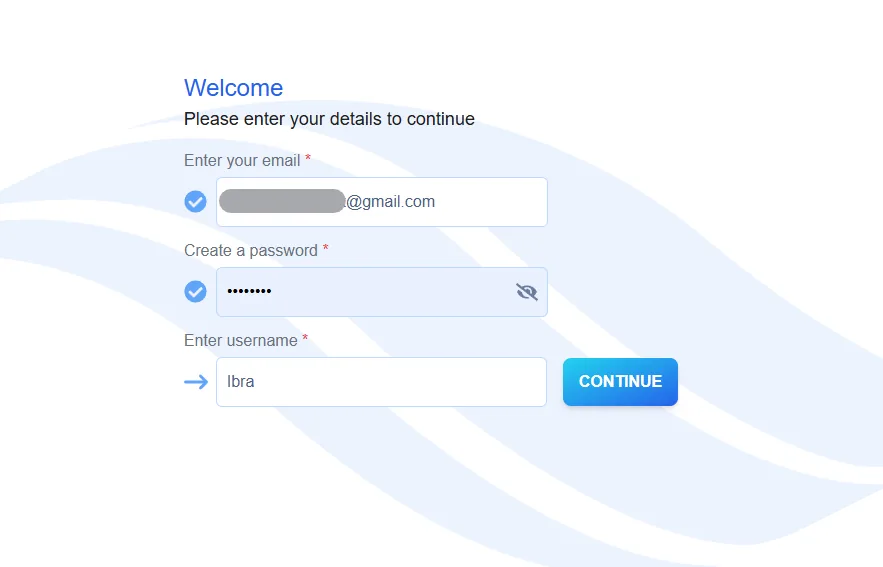
Choosing a username. - Username: 3 to 30 characters; letters, digits and
The Control Panel opens after CREATE. This is your home on Eagle 3D Streaming: you add applications here, choose how they stream and get the links you share.
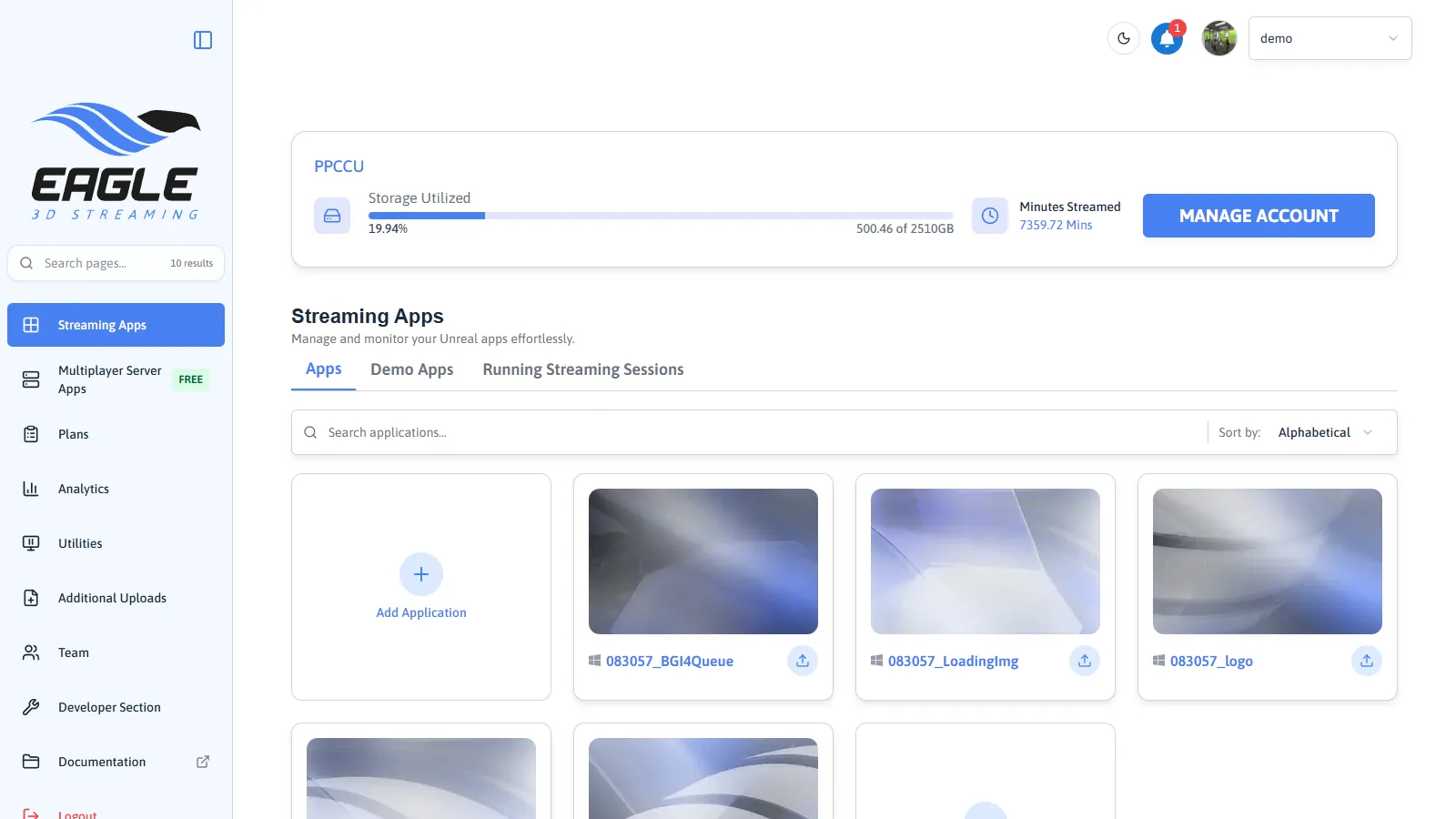
To have something to stream before you have built anything, use the sample app on the next page.
Prove the whole chain works before your own build is involved.
In this section
Related
Last updated